Welcome to Bindu Paddle for WooCommerce! This guide will walk you through installing the plugin, connecting your Paddle account, and accepting secure payments in your WooCommerce store.
Step 1: Install the Plugin #
Download and install the Paddle for WooCommerce plugin on your WordPress website.
If you’re new to WordPress plugins, follow our complete installation guide:
👉 Installation Guide
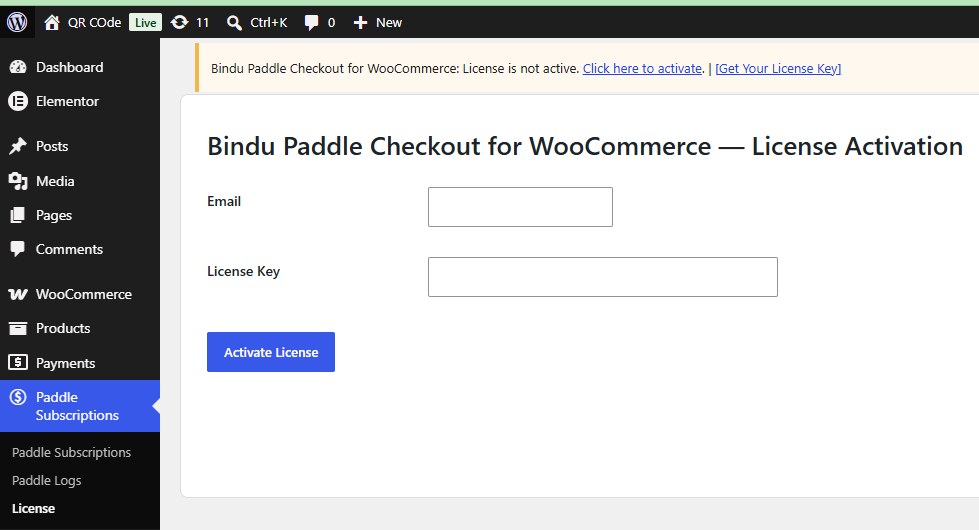
Activate the license #
After installing the plugin, you must activate its license to use it.